

A quick walkthrough on purchasing ETH in Metamask
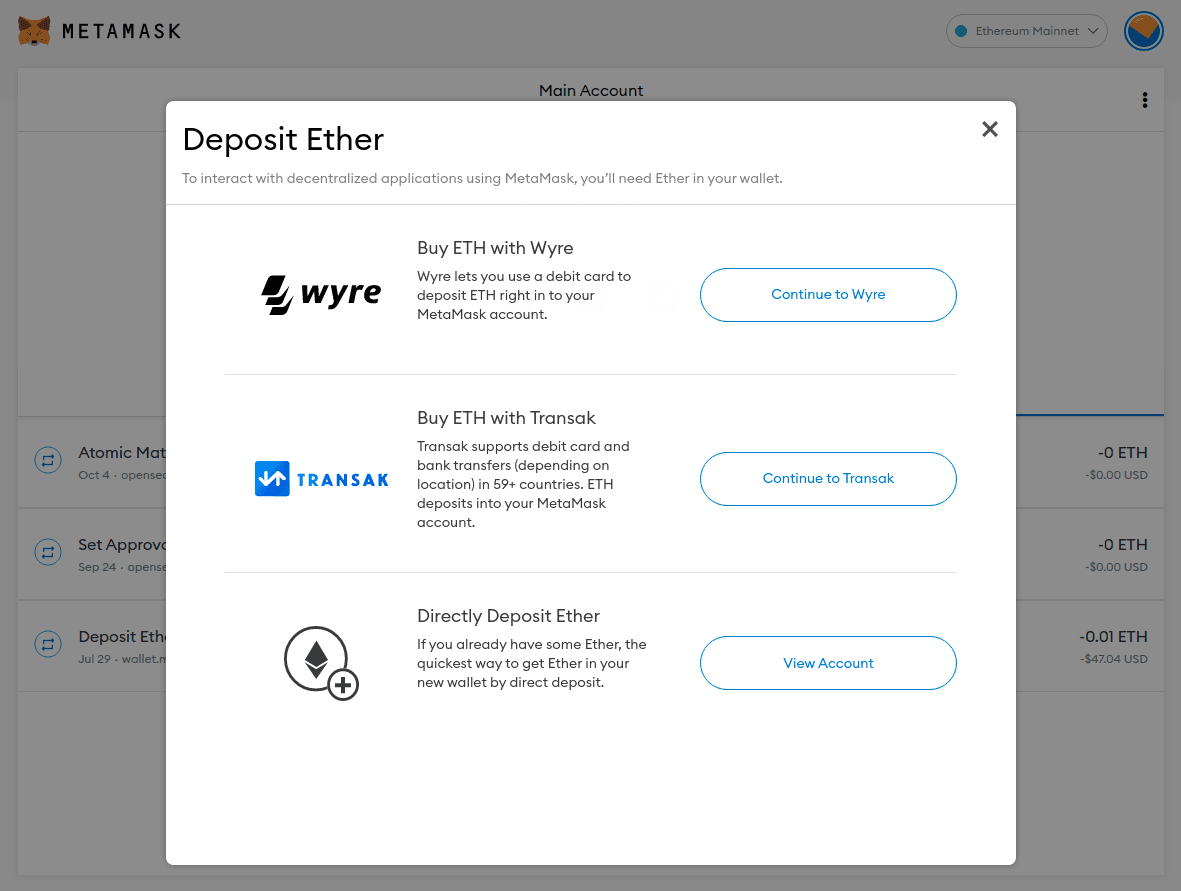
Click on the Buy button and then choose either Wyre or Transak if you are on the desktop using the Metamask plugin.

In the Metamask mobile app, iPhone owners can actually use Apple Pay to purchase ETH via Wyre where as Android phones only have Transak. Again this will largely depend on where you are and which mobile device you have.

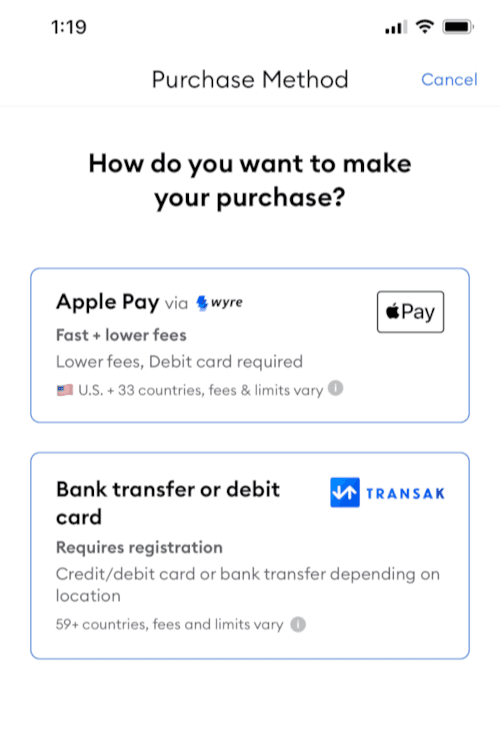
Select either Wyre or Transak if you wish to buy with credit and debit cards.
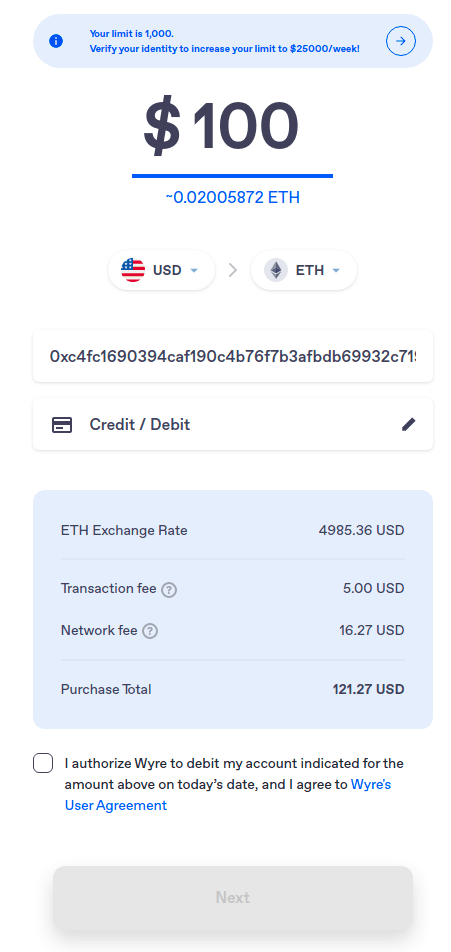
Wyre Widget

Transak Widget

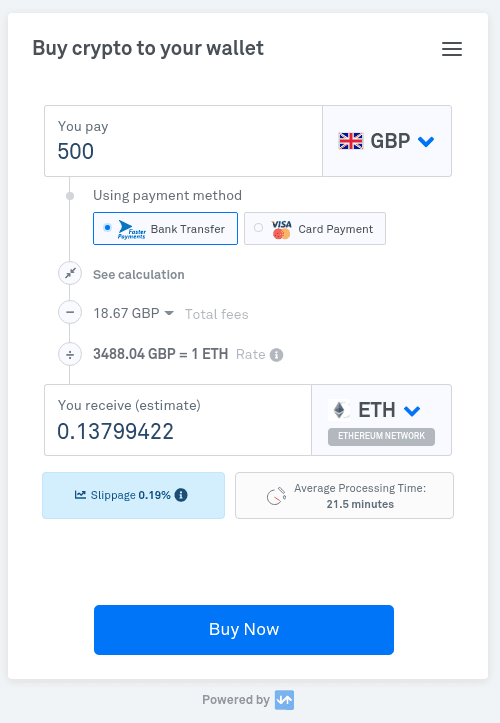
Both widgets work in a similar way, you enter the amount you would like to buy in your preferred fiat currency, calculation for the fees will follow. Click buy now and you will be asked to fill in your personal information and address as part of the KYC procedure before making the payment with credit/debit cards.
It will take some time for the ETH to arrive in your wallet as some service providers will need to purchase on open markets and sometimes transferring ETH during network peak time will also take time.